Table Blocks
Use a table block when the template slide contains a PowerPoint table and your request needs to fill it with row data. The template supplies the table position, width, and default styling. The payload supplies the rows, columns, and any formatting overrides.Basic Shape
Insideslide_data.content.blocks, a table block looks like this:
table.table.rows field is the actual row data.
Rows and Cells
The table data model is row-first. Each item inrows is one PowerPoint table row. Each item in cells is one cell in that row.
- The header row has three cells, so the generated table has three columns.
is_header: truemarks the first row as the table header.- Data rows can omit
is_header; the default isfalse. is_logo: truetells the renderer to fetch and place the logo forstripe.cominstead of rendering the domain as text.
Cell Values
A simple cell uses a string:is_logo: true:
is_bullet: true. If text is an array, each string becomes one bullet paragraph:
Table Formatting
table_format applies default styling by table region.
font_name, font_size, bold, italic, color, alignment, and line_spacing.
Supported cell fields include background_color, border_color, and border_width.
Column Configs
Usecolumn_configs for column-level behavior.
column_index is zero-based. Column 0 is the first column.
If is_header is true, that column is treated as a row-header column and can receive table_format.header_column styling.
If format_template is set, that template applies to every non-header cell in the column.
Format Templates
format_templates defines named styles inside the table payload. Reference a template by name from:
column_configs[]to style every non-header cell in a column- a cell to style that one cell
- a paragraph object inside a cell to style only that paragraph
Marcus Johnson and SVP of Customer Success are two paragraphs inside the same Contact cell. They are not separate columns.
Conditional Rules
Conditionalrules are defined inside format_templates. They do nothing until you reference the template from a cell or column.
This example applies conditional formatting to every non-header cell in column 1.
equals, not_equals, contains, not_contains, greater_than, less_than, greater_than_or_equal, and less_than_or_equal.
Pagination
Setauto_paginate_tables: true to let overflowing rows continue onto additional slides for table-only layouts.
auto_paginate_tables: false and let the renderer fit the content on one slide.
Visual Example
The visual example below is generated from this exactslide_data payload.
Full payload used for the screenshot
Full payload used for the screenshot
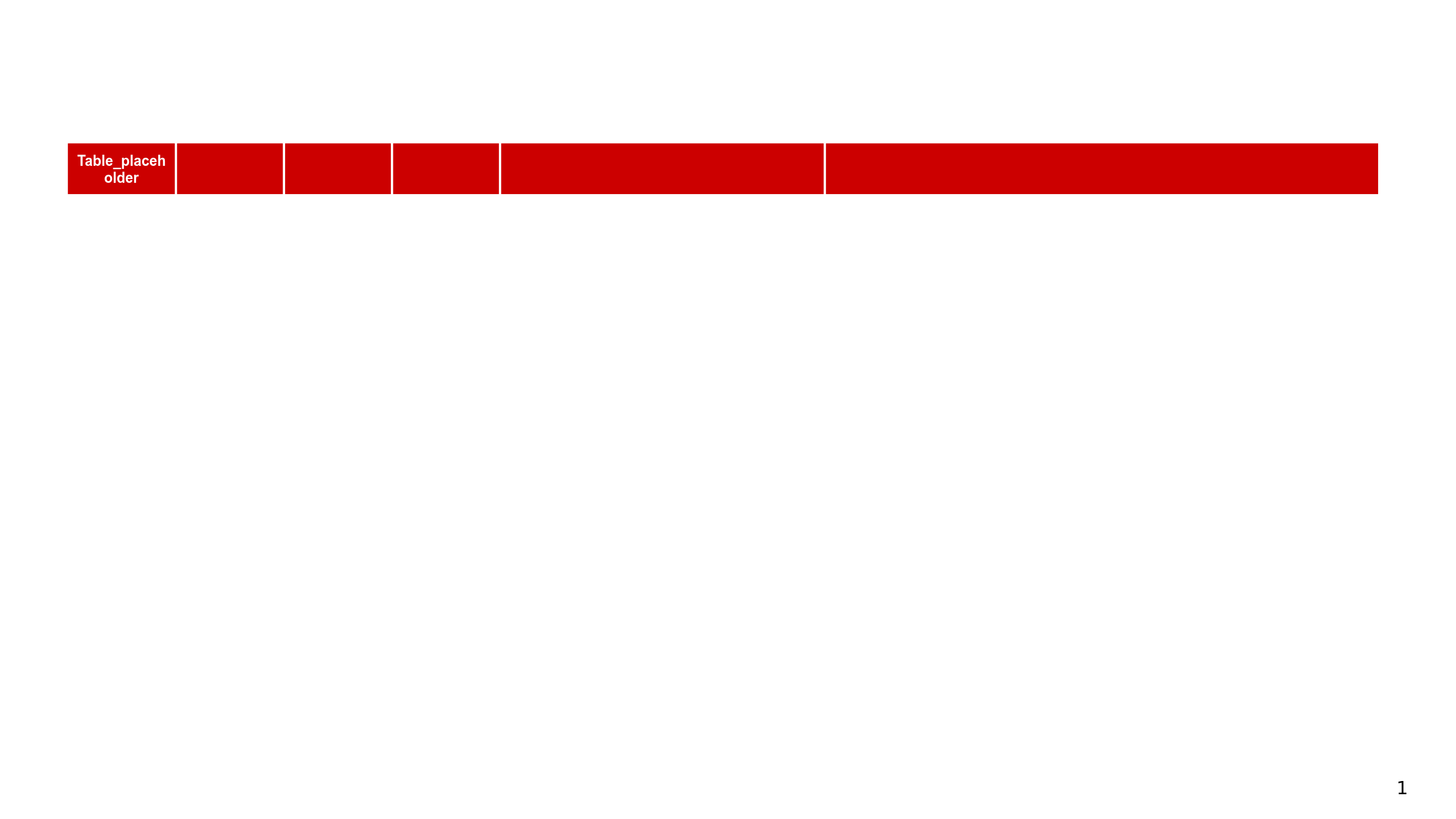
Template slide
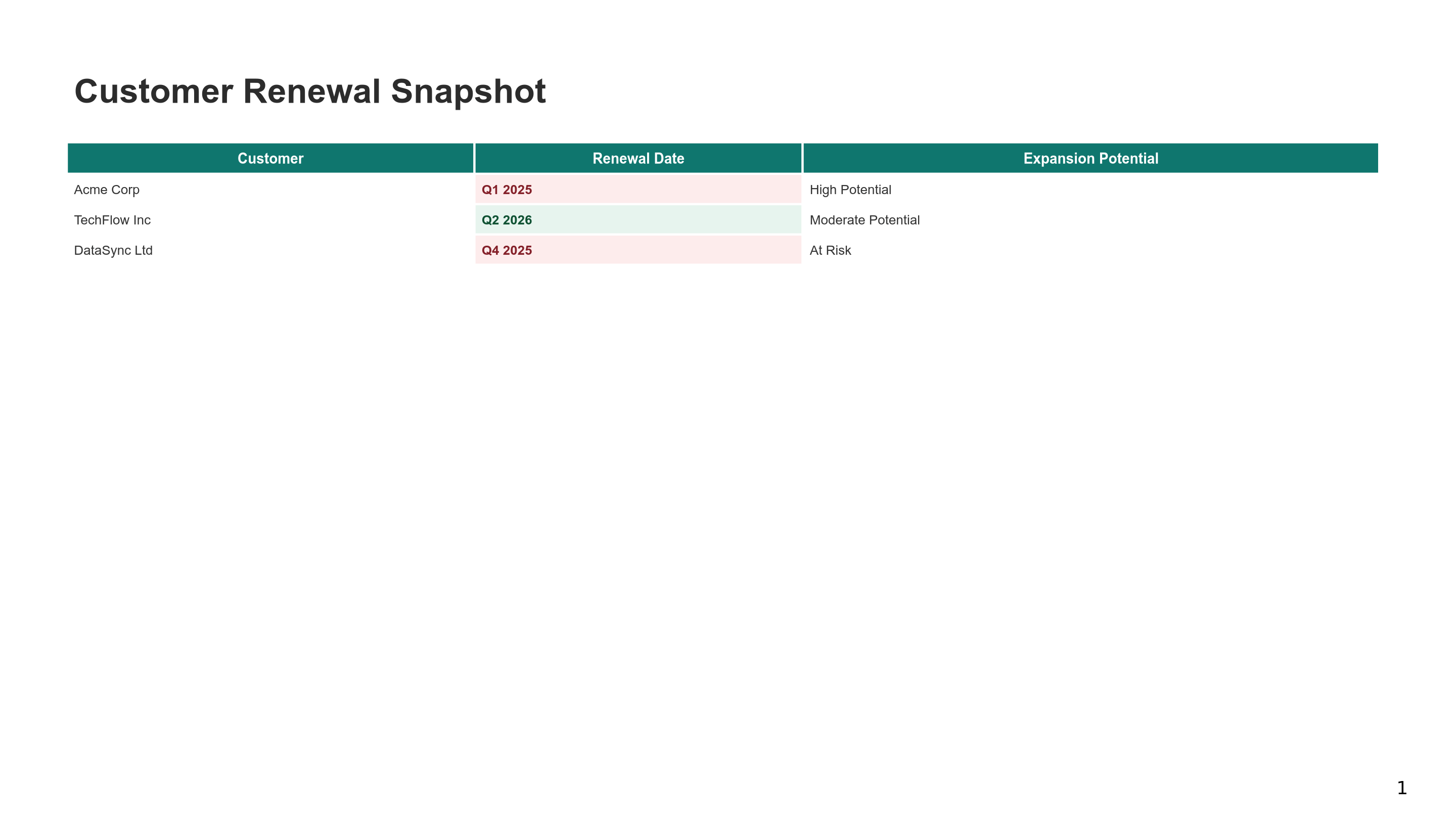
Generated slide
Related Guides
Presentation Generation
Generate one slide or a full deck.
Chart Blocks
Author bar and column charts.
Text Blocks
Author slide text and text sections.